MANCOSA Login South Africa: Student Portal Access Guide 2026
Management College of Southern Africa (MANCOSA) is a private higher education institution in South Africa that was established in 1995. It was originally created as a post-apartheid empowerment institution to widen access to higher education, with a particular focus on people who had previously faced limited opportunities to pursue postgraduate studies.
Today, MANCOSA provides accessible and affordable management education through distance learning programmes. The institution is part of the Honoris United Universities network and continues to focus on flexible higher education opportunities for students and working professionals.”Visit Homepage for more”.
What Is the MANCOSA Student Portal?
The MANCOSA student portal is an online platform through which registered students can access student and academic-related services. The MyMANCOSA system is separate from MANCOSAConnect, although both platforms form part of the digital services available to MANCOSA students.
MyMANCOSA can be used for various student administration functions. For example, MANCOSA’s published support information shows that students can use the portal to access academic documents and other student services.
MANCOSAConnect, meanwhile, provides access to learning resources. MANCOSA’s 2026 prospectus states that its online library service is available through MANCOSAConnect and that module guides, readings, assignments and other learning materials can be accessed electronically through the platform.
MyMANCOSA vs MANCOSAConnect
| Platform | Main purpose |
|---|---|
| MyMANCOSA | Student portal and administrative services |
| MANCOSAConnect | Learning management and academic resources |
| MANCOSA Student Comms App | Student communications and certain authentication-related activities |
Understanding this difference makes the MANCOSA login process much easier.
MANCOSA Login Requirements
Before attempting to access the mymancosa portal, have the information you normally use for your student account available.
You should also make sure your device has a reliable internet connection and that your browser is working correctly.
Before You Start
Check the following:
For MANCOSAConnect specifically, MANCOSA’s support information says that access is available to currently registered students and recommends using a stable internet connection and a supported browser.
What Can You Access Through the MANCOSA Portal?
The online platform brings several student-related services together, reducing the need to use separate systems for everyday academic tasks.
Once signed in, students may be able to:
The exact services available can depend on your student status, programme and the systems currently provided by MANCOSA.
Before You Sign In
Having the correct account information ready can make the login process smoother. MANCOSA students should use their institutional credentials rather than a personal email account.
| Requirement | Recommended option |
|---|---|
| Browser | Chrome, Firefox, Edge or Safari |
| Internet | Stable broadband or mobile data |
| Device | Computer, laptop, tablet or smartphone |
| Account | Active MANCOSA student account |
| Login details | Registered student email and password |
If you’re accessing mymancosa for the first time, make sure you have the login details supplied by MANCOSA during your registration or onboarding process.
How to Log In to the MANCOSA Student Portal
Step 1: Open an Updated Web Browser
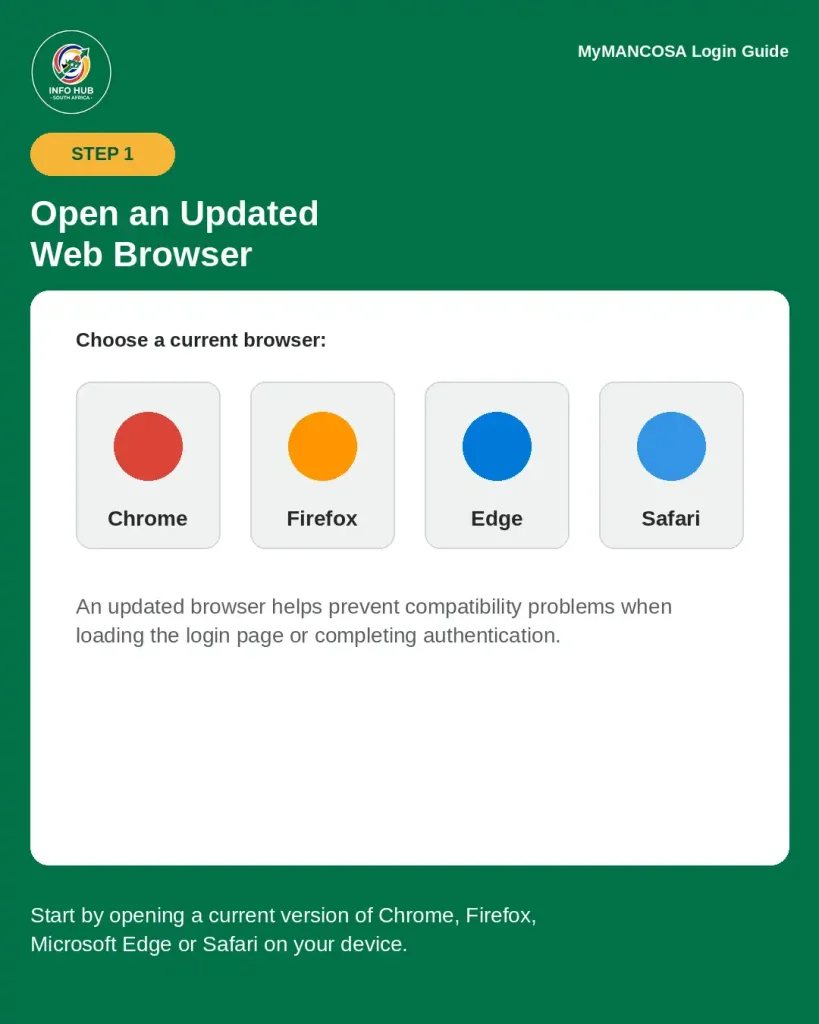
Start by opening a current version of Chrome, Firefox, Microsoft Edge or Safari on your device.
An updated browser can help prevent compatibility problems when loading the login page or completing authentication.
Step 2: Visit MyMANCOSA
Enter the official MyMANCOSA address in your browser:

Check the website address carefully before entering any personal login information. Avoid using unofficial websites that claim to provide access to the MANCOSA system.
Step 3: Select the Student Login Option
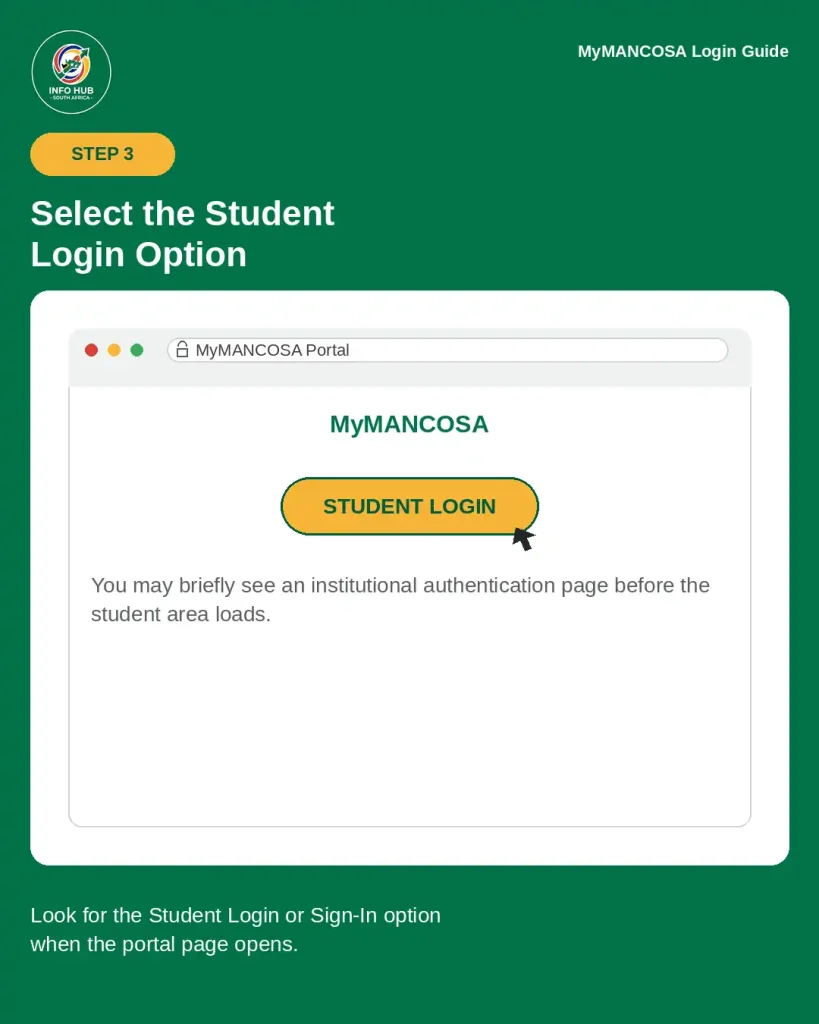
When the portal opens, look for the relevant student login or sign-in option.
The system may take you to an institutional authentication page before allowing access to your student account.
Step 4: Enter Your MANCOSA Login Details

Provide the credentials associated with your student account.
You may need to enter:
Use the account details issued or confirmed by MANCOSA rather than a personal Gmail, Yahoo or other private email address.
Step 5: Complete Any Security Verification
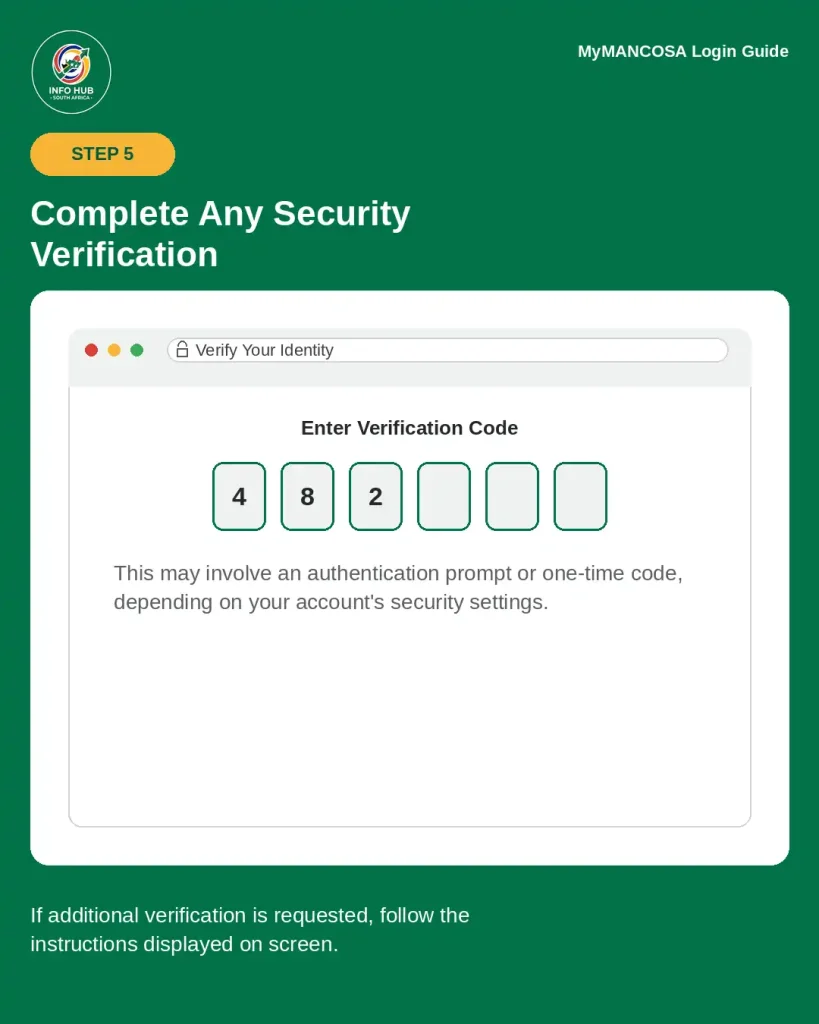
If additional account verification is requested, follow the instructions displayed on screen.
This may involve an authentication prompt or one-time verification code, depending on the security settings associated with your account.
Step 6: Open Your Student Dashboard

After successful authentication, you should be taken to the relevant student area.
From there, you can use the available services for your programme, such as learning materials, assignments, announcements, results and account-related information.
What Can You Do After MANCOSA Login?
The mymancosa portal is more than a page for signing in. It can act as an important access point for student administration and academic information.
The services available to a student can change according to their registration and the systems currently provided by MANCOSA.
Examples documented by MANCOSA include:
For example, MANCOSA’s support instructions show that students can use MyMANCOSA to access a statement of results through the Academics area and view or download the relevant result letter.
MANCOSA also provides instructions for re-registration through the MyMANCOSA Student Portal. The published process includes selecting Re-Registration, creating a request and completing the relevant form.
MANCOSA Login Not Working? Try These Fixes
If your mancosa login is not working, the problem may be caused by incorrect credentials, browser issues, connectivity problems, or account access restrictions.
Try these basic troubleshooting steps:
- Check that your student number is correct.
- Re-enter your password carefully.
- Make sure your internet connection is stable.
- Refresh the login page.
- Try an updated version of Google Chrome or another supported browser.
- Clear your browser cache if the page is behaving incorrectly.
- Try accessing the portal from another device.
- If the problem continues, use MANCOSA’s official student support channels.
MANCOSA specifically advises students who cannot access MANCOSAConnect to check their internet connection and use a suitable browser. Its support guidance also notes that access is limited to currently registered students.
If the portal reports that the login credentials are invalid, MANCOSA advises students to contact Student Services through the available MyMANCOSA LiveChat support option.
MANCOSA Login and Password Security
Your MANCOSA credentials should be treated as private account information. Do not share your student number and password with other people, and avoid saving your login information on public or shared computers.
MANCOSA’s Student Code of Conduct states that students should use official MANCOSA communication channels and should not allow unauthorised people to access their SIS, portals, apps, or other MANCOSA resources.
For account-related problems, use official MANCOSA support channels rather than relying on unofficial social media pages or third-party websites.
MANCOSA Login for Academic Support
After completing your mancosa login, students can access a range of resources designed to support their studies. MANCOSA’s 2026 postgraduate prospectus describes MANCOSAConnect as providing access to discussion forums, webinar recordings, online learning material, module resources, and academic support.
The online library service is also available through MANCOSAConnect, giving students access to electronic resources and recommended learning materials.
This makes the correct MANCOSA login important for both administrative tasks and online learning.
Final Checks Before Contacting MANCOSA Support
Before contacting Student Services about a mancosa login problem, check the following:
If the issue remains after these checks, provide MANCOSA support with a clear description of the problem so they can determine whether the issue relates to your credentials, registration, or portal access.
Common MANCOSA Portal Problems
Even when your credentials are correct, you may occasionally experience problems while accessing the student portal.
The Login Page Keeps Loading
If the login page does not load completely, check your internet connection first. Then refresh the page and try again.
If the issue continues, try another browser or device. A temporary browser problem can sometimes prevent a website from loading correctly.
The Portal Shows an Error
Read the error message carefully before trying repeated login attempts. The message may indicate whether the issue involves your credentials, account access, or the website itself.
Take note of the error if you need to contact MANCOSA support.
My Student Account Is Not Showing the Expected Information
If information such as registration details, results, or documents is missing, the information may not yet be available for your account.
Check the relevant academic or administrative section and confirm that your registration status is correct. If the information should be available but is missing, contact official MANCOSA support.
The Portal Works on One Device but Not Another
This can indicate a browser, cache, device, or compatibility issue.
Try updating the browser on the device that is not working. You can also clear cached website data and restart the browser.
Quick MANCOSA Login Checklist
Before trying to sign in, use this quick checklist:
Following these steps can help you identify many common mancosa login problems before contacting student support.
About Info Hub South Africa
Info Hub South Africa provides practical guides covering South African student portals, education platforms, government portals, and other useful online services.
Our goal is to make portal-related information easier to understand by explaining login procedures, registration steps, account-access issues, and frequently asked questions in a simple format.
For more guides on South African university portals, student systems, education services, and government information portals, visit Info Hub South Africa and explore the latest guides.
FAQs
Conclusion
The MANCOSA login process gives registered students access to important online services through the institution’s digital platforms. MyMANCOSA is used for student and administrative services, while MANCOSAConnect focuses more on online learning resources and academic support.
If you cannot log in, start with the basics: verify your student number and password, check your internet connection, update your browser, and try another device if necessary. For account-specific problems, registration issues, or persistent access errors, use MANCOSA’s official support channels.
Most importantly, always use official MANCOSA websites when entering your student information and keep your login credentials private.
Info Hub South Africa will continue providing clear guides to help students understand South African education portals, university systems, and other important online services.
Read More
SIS Portal South Africa: Login, Registration & Student Guide 2026
Wits Self Service Portal South Africa: Login, Application Status & Student Guide 2026
UFH Blackboard Login South Africa: Student Portal Guide 2026
Learners Licence Booking South Africa 2026: Requirements, Steps & Fees