PSIRA Online Booking 2026: Complete Guide to Booking Your Appointment in South Africa
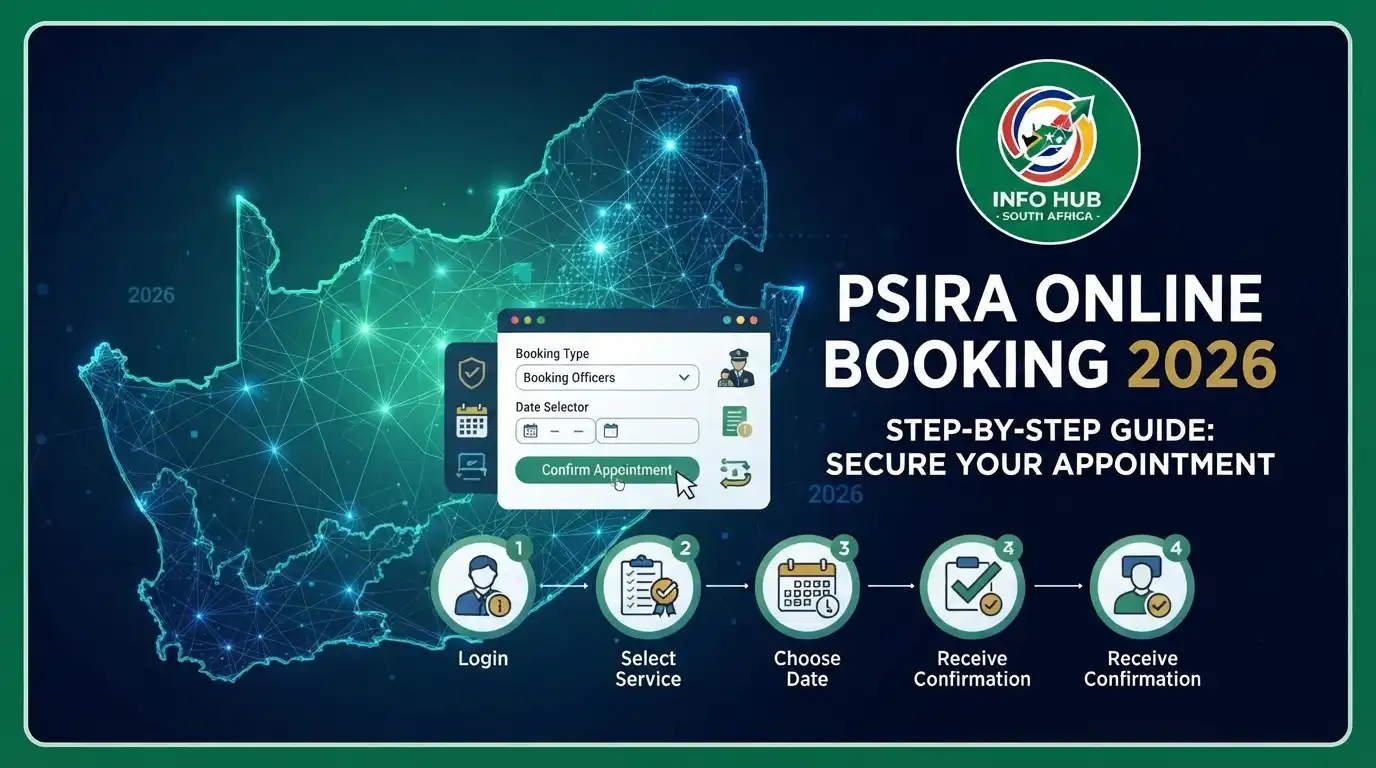
The PSIRA online booking system makes it easier for security officers and applicants to manage their registration process without spending hours waiting at PSIRA offices. Whether you need PSIRA Booking first time, want to complete your PSIRA booking online application, or start a PSIRA online application, the online platform lets you book an appointment at a convenient date and time. After submitting your application, you can use PSIRA online verification to confirm your registration details and access your account through the PSIRA login portal to track updates, manage appointments, and complete other PSIRA services online.
What Is a PSIRA Certificate?
A PSIRA certificate is an official document issued by the Private Security Industry Regulatory Authority (PSIRA) to individuals and businesses registered to operate within South Africa’s private security industry. It confirms that the holder meets the regulatory requirements to provide security-related services, such as guarding, supervision, escort services, protection, and private investigations.

The certificate helps ensure that security service providers comply with industry standards and remain subject to PSIRA’s oversight. In many cases, employers require a valid PSIRA certificate before hiring security personnel. If you plan to use the PSIRA Booking system, it’s important to keep your registration details up to date through PSIRA online verification so you can access services without delays.
Related Post
PSIRA Renewal Online 2026: How to Renew Your PSIRA Certificate & Registration in South Africa
How to Complete PSIRA Registration
If you’re planning a PSIRA online booking first time, you’ll first need to register for a PSIRA account. Registration allows you to access the PSIRA online application portal, complete your PSIRA booking online application, and use other digital services. Before starting, make sure you meet the registration requirements and have all the necessary documents ready.
PSIRA Registration Requirements
To register with PSIRA, applicants should meet the following requirements:
Once you satisfy these requirements, you can proceed with your PSIRA online application.
How to Book for PSIRA Online?
The PSIRA online booking system allows both individuals and security businesses to reserve appointments before visiting a PSIRA office. Whether you’re making a PSIRA Booking first time or returning to manage another appointment, the digital platform makes the process quicker and helps reduce waiting times. Before starting your PSIRA booking online application, it’s a good idea to complete PSIRA online verification to confirm that your registration details are up to date.
PSIRA Online Booking for Individuals
Follow these steps to complete your PSIRA online application appointment booking:
1. Visit the PSIRA Digital Services Portal

Open your web browser and visit the official PSIRA Digital Services website.
2. Select Your Profile
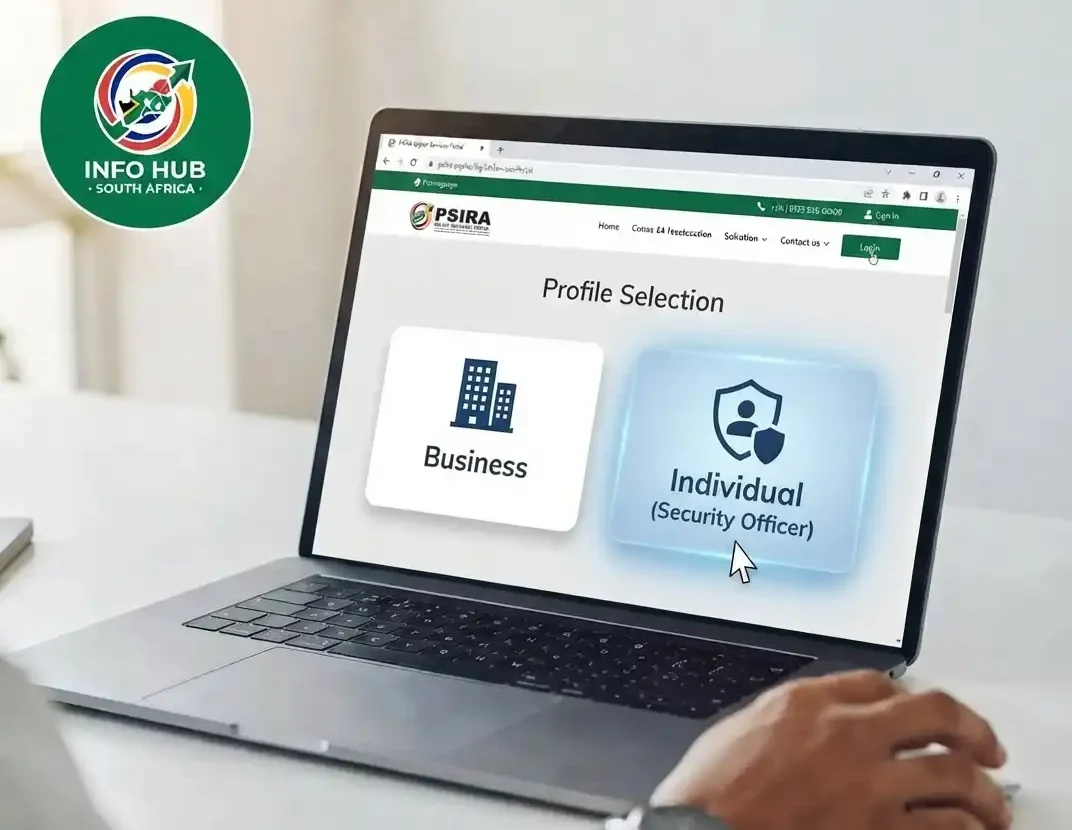
On the homepage, choose the profile that matches your registration type. Individuals should select “Security Officer” to continue with the PSIRA Booking process.
3. Sign In or Create an Account
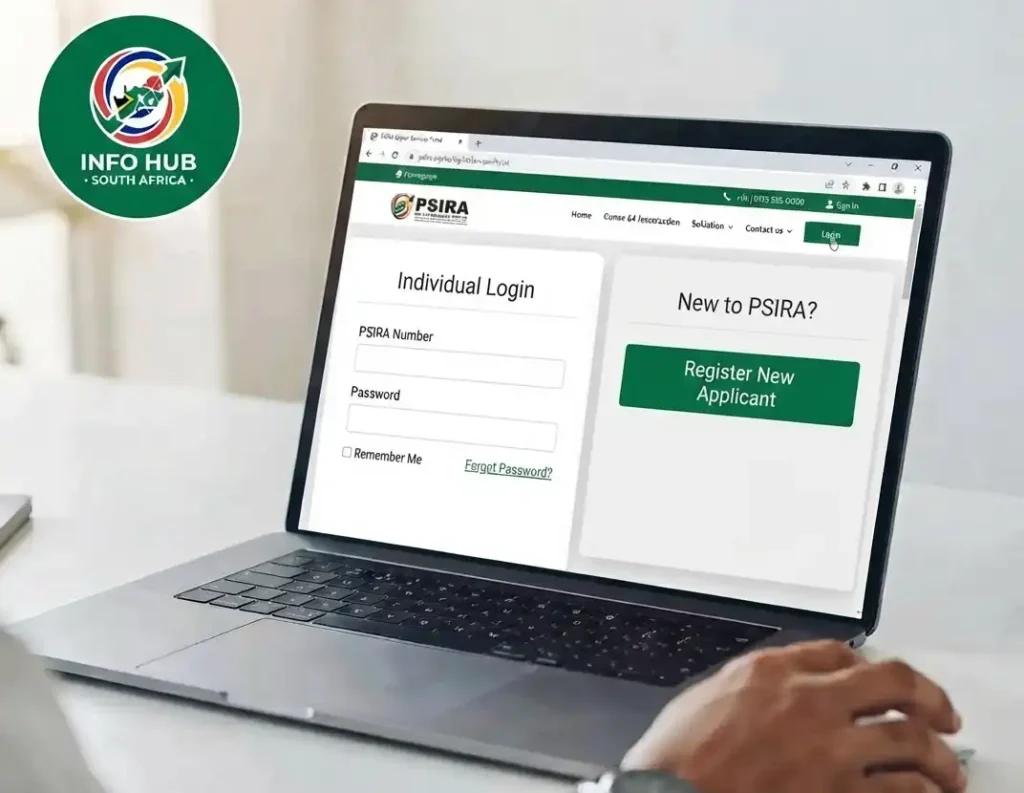
If you already have an account, complete the PSIRA login using your PSIRA number and password. New applicants must register first before accessing the booking portal.
4. Open the Online Booking Section

After logging in, go to your dashboard and select New Booking to begin your PSIRA booking online application.
5. Select the Required Service
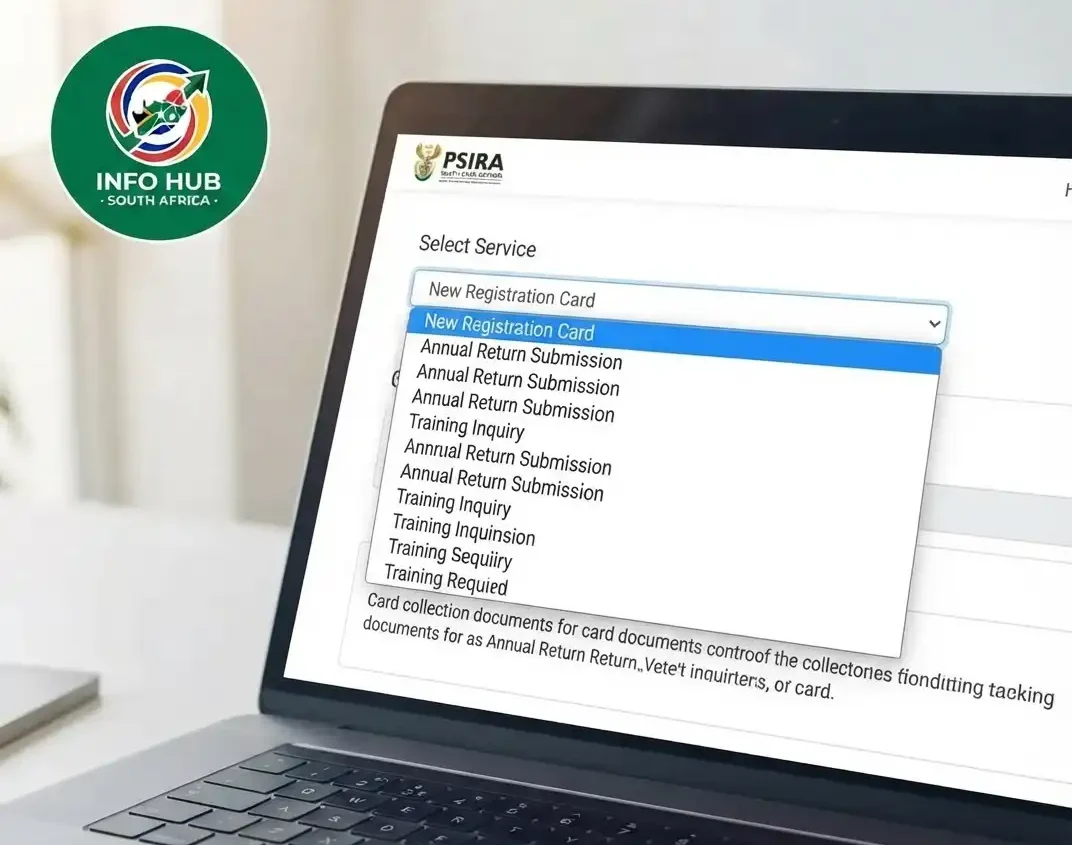
Choose the service you need, such as collecting a registration card or any other available PSIRA service.
6. Choose Your Preferred Branch

Select the PSIRA office closest to your location so you can attend your appointment conveniently.
7. Pick a Date and Time
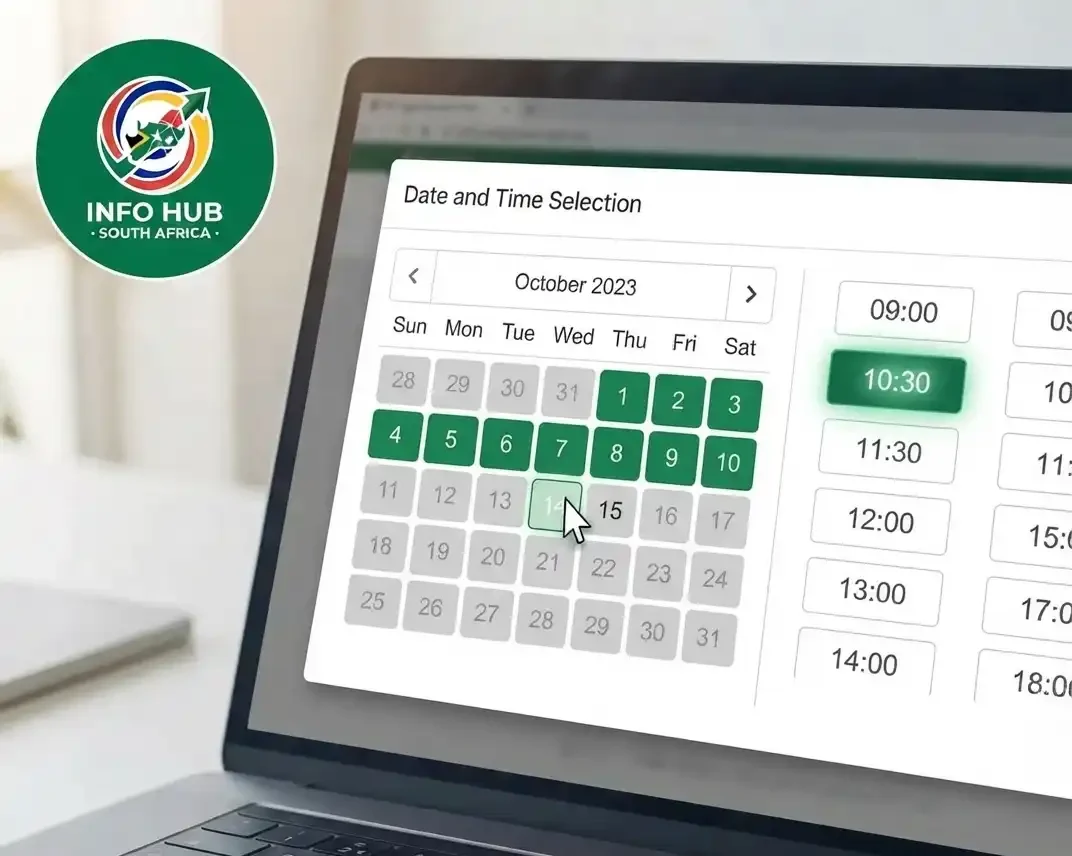
Choose an available appointment date and time that best suits your schedule.
8. Save Your Booking
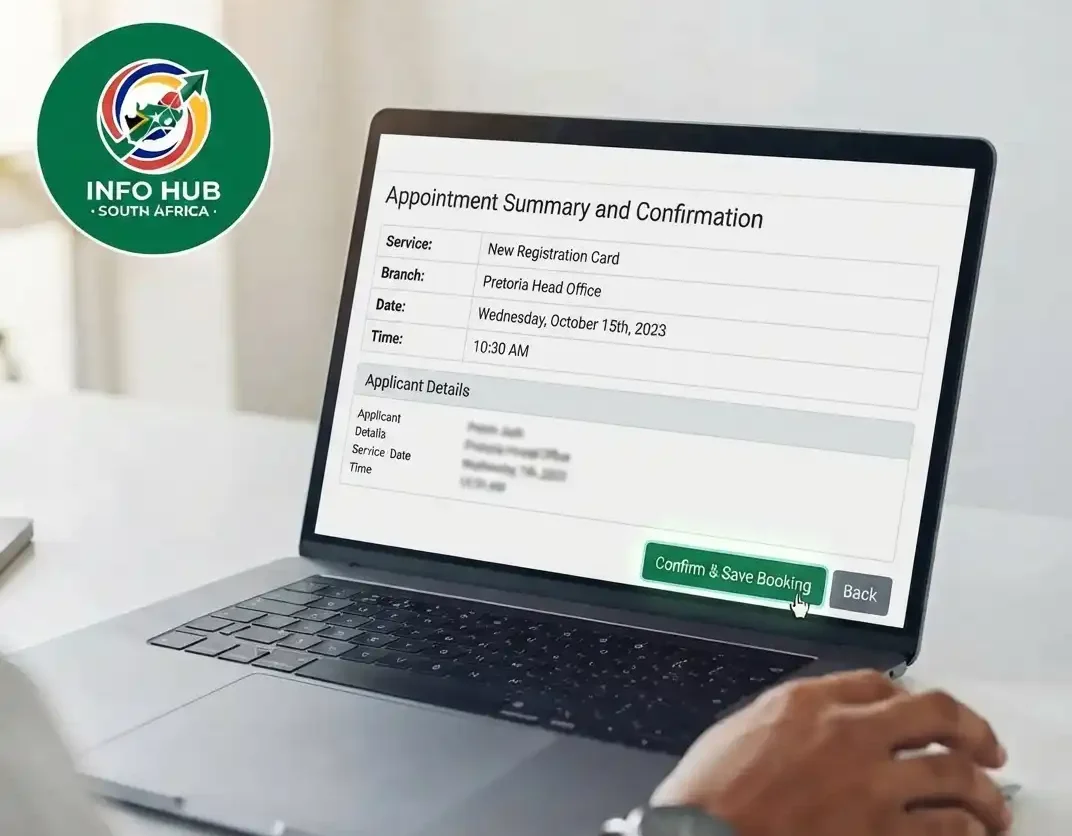
Review your information and click Save to confirm your appointment.
Tip: Before attending your appointment, complete PSIRA online verification to make sure your registration details are correct and that you are eligible for the selected service.
PSIRA Online Booking for Businesses
Business owners can also use the PSIRA Booking portal to schedule appointments by following these steps.
1. Visit the PSIRA Website
Go to the official PSIRA Digital Services portal:
2. Select “Security Business”
Choose Security Business as your profile to continue with the business PSIRA online application process.
3. Access Your Account
Existing businesses can complete the PSIRA login using their PSIRA number and OTP. If your business has not yet been registered, create an account before proceeding.
4. Start a New Booking
From the dashboard, open the Online Booking section and select New Booking.
5. Choose the Service
Select the business service you wish to book.
6. Select a Branch
Choose the nearest PSIRA office where you would like to attend your appointment.
7. Confirm Your Appointment
Select an available date and time that fits your schedule.
8. Save Your Details
Click Save to submit your booking. Your appointment details will appear on the booking status page, where you can also make another booking if required.
For a smooth experience, always ensure your business registration information has been confirmed through PSIRA online verification before your appointment. If your registration is due to expire, consider completing your PSIRA Renewal after your booking.
How Much Is the PSIRA Registration Fee?
The PSIRA registration fee varies depending on whether you’re registering as an individual or a business. Before starting your PSIRA online application or PSIRA Booking, make sure you have the required registration fee and supporting documents ready.
According to the provided information:
The registration fee should be paid by bank cheque, and a copy of the payment receipt must be submitted together with your registration documents. Businesses should also note that an annual fee is payable for each financial year. This annual fee remains due even if the business is not actively operating.
Once your registration has been processed, you can complete PSIRA online verification, access your account through the PSIRA login portal, and continue with your PSIRA booking online application if an appointment is required.
How Long Does It Take to Receive a PSIRA Certificate?
After submitting your PSIRA online application and all the required documents, it generally takes about 12 working days for your PSIRA certificate to be processed.
During this period, PSIRA may send application updates via SMS so you can monitor your progress. Once your application has been approved, you’ll be notified to collect both your PSIRA certificate and PSIRA card in person.
If you’re completing your PSIRA Booking first time, it’s a good idea to keep checking your application status and ensure your registration details remain accurate through PSIRA online verification to avoid unnecessary delays.
PSIRA Contact Details
If your PSIRA certificate is taking longer than expected or you need assistance with your PSIRA online booking, PSIRA login, or PSIRA online application, you can contact the authority using the following details:
| Contact Method | Details |
|---|---|
| Customer Care | 086 133 3855 |
| [email protected] | |
| Physical Address | Eco Glades 2 Office Park, Block B, 420 Witch-Hazel Avenue, Highveld Ext 70, Centurion |
The PSIRA support team can assist with enquiries about registration, PSIRA online verification, appointment bookings, certificate collection, and other services available through the PSIRA digital platform.
FAQs
Conclusion
Obtaining a PSIRA certificate is an important step for anyone planning to work legally in South Africa’s private security industry. Before starting your PSIRA online application, make sure you meet the required registration criteria and have all the necessary information and documents ready.
Once your account has been activated, you can use the PSIRA online booking service to schedule an appointment. This includes making a PSIRA online booking first time appointment as well as arranging appointments for subsequent visits. The online services also allow you to use PSIRA online verification to check your registration details and access the PSIRA login portal to manage your account and appointments.
If you have completed your registration but your PSIRA certificate has not arrived after approximately eight weeks, it is advisable to contact PSIRA directly for an update and to confirm whether any additional action is required.
For easy-to-follow guides and helpful information about PSIRA services and other South African online services, Info Hub South Africa provides practical resources to help users understand application procedures, online portals, status checks, and related processes.
Read More
UI-19 Form South Africa: Download, Complete & Submit Guide (2026)
JMPD Vacancies 2026 South Africa: Latest Jobs, Requirements & How to Apply
SACPCMP Login South Africa 2026: Official Portal & Account Access Guide