UI-19 Form South Africa: Download, Complete & Submit Guide (2026)
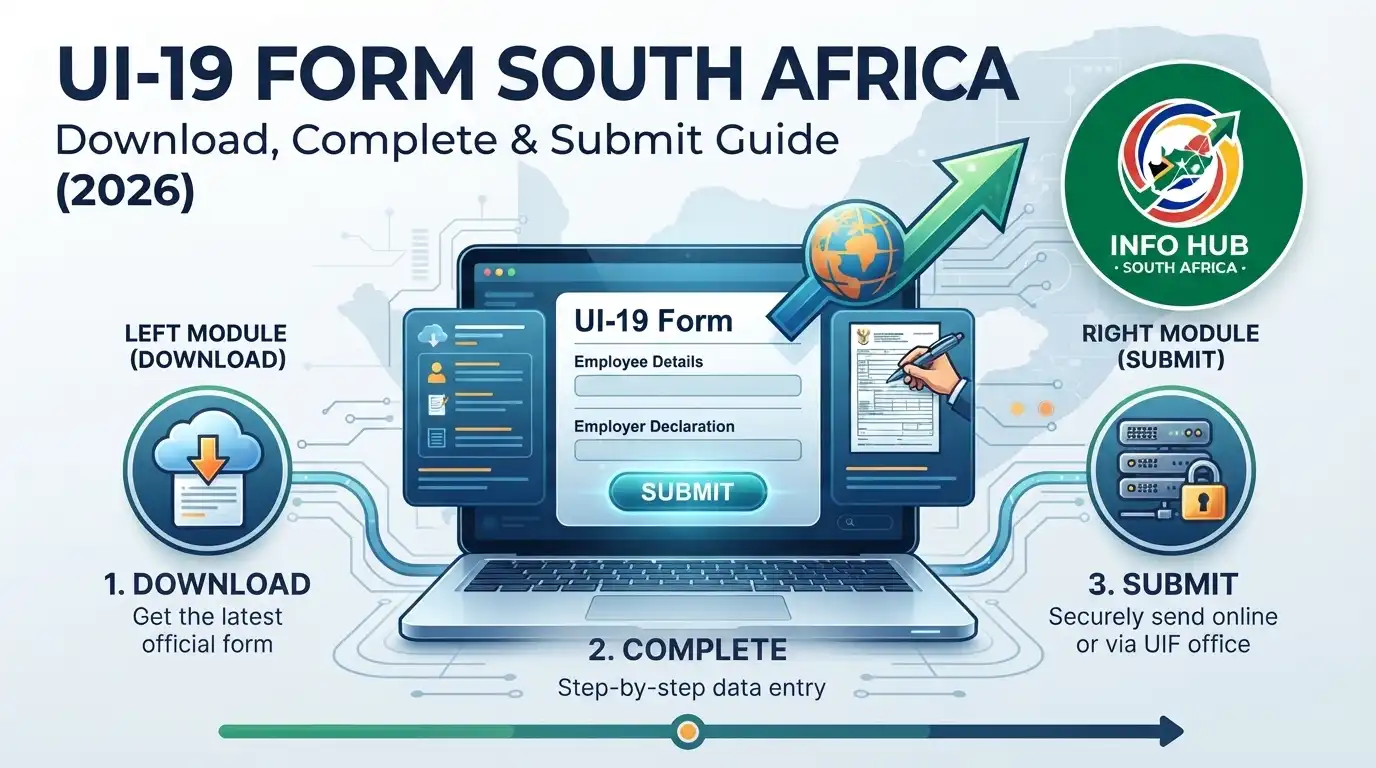
If you need a UI19 form download, use the official version issued by the South African Department of Employment and Labour. The UI-19 is the employer’s declaration of employees to the Unemployment Insurance Fund (UIF) and contains employment, remuneration, working-hours and termination information used by the UIF.
The form is not simply a document for an employee to complete on their own. The official form identifies it as an “Employers Declaration of Employees”, and it requires the employer to declare that the information supplied is true and correct.
This matters when you are applying for UIF benefits because your employment information needs to be properly declared to the Fund. If details such as your employment dates, remuneration or reason for termination are incorrect, it may create problems when your UIF claim is assessed.”Visit Homepage for more”.
What Is the UI19 Form?
The UI19 form is used by employers to provide the UIF with information about their business and employees. Under the form’s instructions, employers must provide information concerning employee remuneration, new appointments and termination of service for the previous month.
In practical terms, the UI19 connects an employee’s employment record with the UIF system. It contains information such as:
The official UI19 form lists these fields under its employer and employee sections.
Who Completes the UI19?
The employer is responsible for providing and declaring the information on the UI19 form. The employee may need a copy or may need to check the information when preparing a UIF claim, but the employer’s declaration is what confirms the employment details submitted to UIF.
The form itself contains an employer declaration stating that the information is true and correct and includes a space for the employer’s signature and date.
So, if you are an employee who has recently lost your job, do not assume that you should independently fill in and sign the employer declaration. Instead, ask your employer or payroll department to ensure that your UIF employment declaration has been submitted correctly.
Related Post
UIF Login South Africa 2026: Sign In, Registration & Online Portal Guid
UI19 Form Download: Where to Get the Official PDF
The safest option for a UI19 form download is the official Department of Employment and Labour website rather than an unknown third-party document website.
The official PDF is headed “Unemployment Insurance Act 63 of 2001 as amended” and identifies the document as UI-19.
You can save the PDF to your device and print it if a manual declaration is required.
There is also an official UIF forms section where UIF forms and related resources are published:
What Information Appears on the UI19 Form?
Before sending a completed UI19 to the UIF, the information should be checked carefully. A small mistake in an ID number, employment date or salary can make it harder to match the declaration with the correct employee record.
1. Employer information
The first section identifies the employer. The official form requests information including the UIF employer reference number, PAYE reference number where applicable, trading name, physical address, employee workplace address where different, postal address and contact details.
This section helps UIF associate the employee declaration with the correct employer.
2. Employee details
The employee section includes the worker’s surname, initials and identity document number. For employees, these details should correspond with their official identification documents.
If your name or ID number is incorrect, ask the employer to correct the declaration rather than assuming the error will automatically be fixed later.
3. Remuneration and hours worked
The UI19 form records the employee’s total gross remuneration paid per month and total hours worked during the month.
The form also explains that remuneration means the actual basic salary plus payment in kind, and that weekly wages should be converted to a monthly figure using the calculation shown on the form.
This is one reason employees should keep payslips and employment records. They give you something to compare against the information declared by the employer.
4. Employment dates
The form asks for both the commencement date of employment and the termination date.
These dates are particularly relevant when an employee’s UIF record is being updated after employment ends. Check that the dates correspond with your actual employment history before relying on the declaration for a claim.
5. Reason for termination
The UI19 also requires the employer to provide the reason for termination using the applicable termination code. The official form includes codes for circumstances such as resignation, dismissal, retrenchment or staff reduction, contract expiry, retirement, business closure and maternity/adoption.
For example, the form lists:
| Code | Reason |
|---|---|
| 2 | Deceased |
| 3 | Retired |
| 4 | Dismissed |
| 5 | Contract expired |
| 6 | Resigned |
| 7 | Constructive dismissal |
| 8 | Insolvency/Liquidation |
| 9 | Maternity/Adoption |
| 10 | Illness/Medically boarded |
| 11 | Retrenched/Staff Reduction |
| 12 | Transfer to another branch |
| 13 | Absconded |
| 14 | Business closed |
| 16 | Voluntary Severance Package |
| 17 | Reduced Work Time |
| 18 | Commissioning Parental |
| 19 | Parental Leave |
These codes come directly from the termination-code section of the official UI19 document.
Important: The form notes that constructive dismissal can only be determined by the CCMA, bargaining council or Labour Court.
How the UI19 Connects With UIF Online Services
The UI19 is an employer declaration, while uif online services provide electronic ways to manage UIF-related processes.
For employers, the official uFiling platform allows registered employers to declare employees and manage UIF contributions electronically. The UIF describes uFiling as an online system for employers to register, declare and pay UIF contributions.
If you are looking for uif login, use the official uFiling login page rather than entering your credentials on a third-party website:
The current official portal provides username and password login options and also offers links for forgotten usernames and passwords.
uFiling or UIF Online — Which One Should You Use?
There is an important distinction between the services.
uFiling is primarily used for employer declarations, contributions and related UIF services. The official UIF portal currently states that employee benefit claims are no longer processed through the uFiling portal and directs users to UIF Online for benefit applications.
For employees who need to submit a UIF benefit application online, the official UIF Online service is available here:
The UIF Online system provides registration and access for UIF benefit applications, while the official uFiling platform continues to support employer-related UIF functions.
How to Submit the UI19 Form
Once the employer has prepared the UI19 form, the next step is making sure the employee declaration reaches the UIF through the appropriate channel. The method used can depend on how the employer manages its UIF declarations.
Option 1: Submit Through uFiling
For employers using the uif online infrastructure, electronic declarations can be handled through the official uFiling platform.
Visit the official portal:

After signing in, an employer can manage UIF-related declarations and employee information through the available services. This is generally more convenient than repeatedly handling paper declarations because the information can be managed electronically.
If you’re an employee searching for uif login, remember that an employee’s benefit application and an employer’s declaration are not necessarily the same process. The UI19 is the employer’s declaration, while UIF Online is used for UIF benefit applications.
Option 2: Manual UI19 Submission
An employer may also use the official paper UI19 where a manual declaration is required.
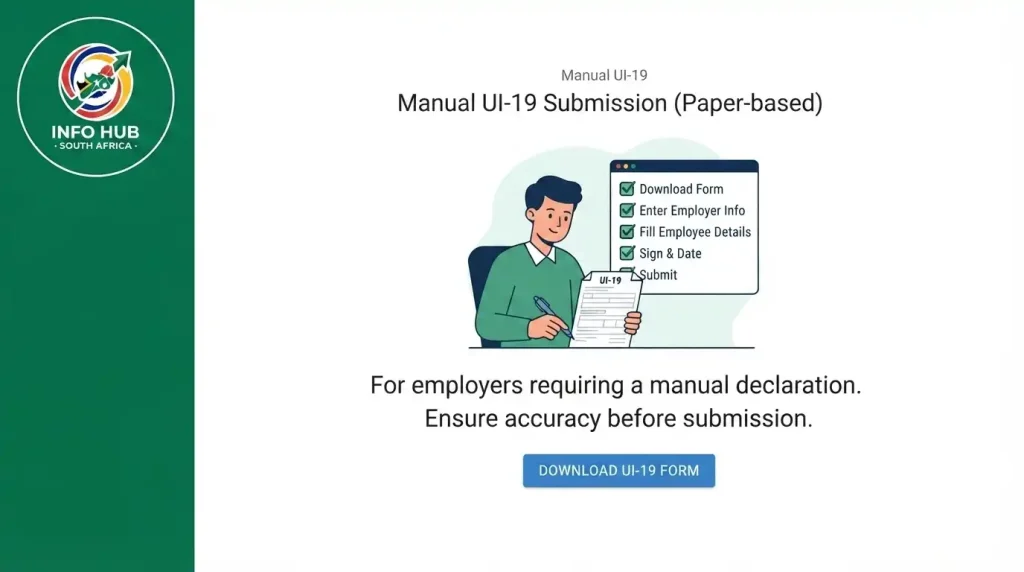
The safest approach is to:
- Obtain the official UI19 form download from the Department of Employment and Labour.
- Enter the employer’s information.
- Record the employee’s details accurately.
- Enter the applicable remuneration and hours information.
- Add the employment commencement and termination dates.
- Select the appropriate termination reason where the employee has left employment.
- Check the completed form carefully.
- Ensure the employer’s declaration is signed and dated.
- Submit it through the appropriate UIF channel.
The official UI19 document contains an employer declaration confirming that the information provided is true and correct.
What Employees Should Check Before Applying for UIF
If you’re preparing a UIF claim, don’t simply assume that your employment information is correct. Ask your employer or payroll department to confirm that your declaration has been submitted accurately.
Use your own records as a cross-check.
| Information | What to compare |
|---|---|
| Full name | ID document and payslip |
| ID number | Official identity document |
| Employment start date | Employment contract |
| Termination date | Final employment record |
| Remuneration | Recent payslips |
| Termination reason | Circumstances of leaving employment |
| Employer details | Payslip or employment records |
This check is particularly useful when you are moving from employment into a UIF benefit application.
Why Employment Dates Matter
Your employment dates form part of the information reported to UIF. If an employer accidentally enters the wrong commencement or termination date, the UIF record may not accurately reflect your period of employment.
For that reason, compare the information with your contract, payslips and other employment records before submitting a claim.
Check Your Salary Information
The UI19 asks the employer to declare the employee’s gross remuneration. The official form provides instructions about how remuneration should be reported, including specific treatment for weekly-paid employees.
If the amount appears wrong, speak to the employer or payroll department before proceeding. Don’t change an employer declaration yourself unless you are authorised to do so.
What Happens After the UI19 Is Submitted?
Submitting a UI19 does not itself mean that a UIF benefit has been approved.
The declaration provides employment information that can be used as part of the UIF administration process. A person who wants to claim unemployment, maternity, illness or another UIF benefit must follow the relevant benefit application process.
For online benefit applications, the official UIF Online system is available here:
This distinction is worth remembering:
UI19 → Employer employment declaration
UIF Online → UIF benefit application services
uFiling → Employer UIF administration and declarations
Keeping these functions separate makes it easier to understand which website you actually need.
UIF Online Registration and Login
If your purpose is to apply for UIF benefits rather than submit an employer declaration, you may need the uif online system.
Open the official UIF Online platform:
The portal provides access to UIF benefit-related online services. Follow the registration or login instructions displayed by the official system.
If you have previously searched for uif login, make sure you’re using the correct platform for your task. A common mistake is assuming that every UIF service uses the same login page.
Department of Labor or Department of Employment and Labour?
You may still see the phrase department of labor when searching for South African UIF information. The official department is the Department of Employment and Labour.
This distinction matters when looking for official forms and government services. Search results can contain older references, third-party websites or unofficial copies, so check that the website belongs to the South African government before submitting personal information.
The department publishes UIF forms and other employment-related resources on its official website.
Common UI19 Mistakes to Avoid
A correctly completed declaration can save unnecessary back-and-forth between an employee, employer and UIF.
Incorrect identity information
The employee’s surname, initials and ID number should be entered carefully. A mismatch can make it harder to associate the declaration with the correct employee.
Wrong termination code
Don’t select a termination reason simply because it appears to be the closest option. The employer should select the code that accurately represents the employee’s circumstances.
The official UI19 includes different codes for resignation, dismissal, contract expiry, retrenchment, business closure, maternity/adoption and other circumstances.
Incorrect remuneration
Check the declared gross remuneration against employment records. If there is an obvious discrepancy, ask the employer to investigate it.
Missing employer declaration
The UI19 includes an employer declaration and signature section. Employers should ensure the required declaration is properly completed before submitting the form.
Using an unofficial form
Avoid downloading a random UI19 copy from an unrelated website when the official PDF is available directly from the Department of Employment and Labour.
For a UI19 form download, start with the official government document:
Can an Employee Complete the UI19 Form?
The UI19 is designed as an employer declaration, so employees should not treat it as an ordinary personal application form.
An employee can review the information and provide details to help the employer prepare the declaration, but the official document places the declaration responsibility on the employer.
If you have left your job and your employer has not provided the employment information needed for your UIF claim, contact the Department of Employment and Labour or the appropriate UIF support channel rather than altering an employer declaration yourself.
UI19 and UIF Claims: What Is the Difference?
It helps to separate the two processes.
| UI19 | UIF Claim |
| Employer declaration | Employee benefit application |
| Records employment information | Requests a UIF benefit |
| Completed by employer | Submitted by eligible claimant |
| Includes salary and employment details | Includes claim-related information and supporting requirements |
| Used for UIF administration | Processed through the applicable UIF benefit service |
This is why searching for uif online, uif login or UI19 form download can produce different results. They relate to different parts of the broader UIF process.
What to Do If Your UI19 Information Is Wrong
If you discover an incorrect detail, don’t ignore it.
First, identify exactly what is wrong. For example, it might be an incorrect ID number, salary figure, employment date or termination code.
Then contact the employer or payroll office and ask them to verify the information against their records. Keep supporting documents such as payslips, your employment contract and termination documentation available in case they are needed.
If the employer cannot resolve the problem, contact the Department of Employment and Labour or UIF through its official channels for guidance.
Important: Don’t create a replacement employer declaration yourself and present it as an employer-approved document.
A Practical UI19 Review Checklist
Before relying on the declaration for a UIF process, check the following:
This doesn’t replace the official UIF requirements, but it provides a useful final review before the information is submitted.
UI19 Form vs Other UIF Documents
People often search for a UI19 form download when they actually need another UIF document. Knowing the difference can prevent you from downloading the wrong form.
| Document or service | Main purpose |
|---|---|
| UI19 | Employer declaration of employees |
| uFiling | Online employer UIF administration |
| UIF Online | Online UIF benefit services |
| UIF benefit application | Request for an applicable UIF benefit |
| Payslip | Evidence of remuneration and employment-related payments |
The UI19 should therefore be viewed as part of the wider UIF administration process rather than as the entire claim
FAQs
Conclusion
The UI19 form is an important employer declaration within South Africa’s UIF administration. It records key information about an employer and its employees, including identification details, remuneration, employment dates and termination information.
If you’re looking for a UI19 form download, use the official Department of Employment and Labour PDF rather than an unofficial copy. If you’re an employee preparing a UIF benefit application, remember that checking or obtaining a UI19 is different from submitting the actual UIF benefit claim.
For employers, uFiling provides online UIF administration, while employees seeking online benefit services should use the official UIF Online platform. Choosing the correct service can help prevent confusion when completing a UIF process.
Before submitting or relying on any UIF information, compare the details with your employment records and ask your employer to correct any discrepancies where necessary.
For more South Africa-focused information, guides and updates on government services, Info Hub South Africa provides helpful resources to make these processes easier to understand.
Read More
SAPS Vacancies 2026 South Africa: Latest Jobs, Requirements & How to Apply
Home Affairs Online Booking South Africa 2026: Complete Appointment & Application Guide
Matric Results 2026 Online Check South Africa: Get Your NSC Results Instantly
Z83 Form South Africa 2026: Download, Complete & Submit Online
SA Youth Mobi South Africa 2026: Login, Registration & Jobs Guide
SASSA R350 Change Banking Details in South Africa: 2026 Guide