SASSA Change Phone Number South Africa: Step-by-Step Guide 2026
If you receive the SASSA SRD Grant, keeping your contact information up to date is essential. Your registered cellphone number may be needed for OTP verification, payment notifications, banking-detail updates, appeal-related feedback, and other important SASSA communications. If you have replaced your SIM card, lost access to your previous number, or need to update your email address, you can use the official SASSA SRD online service to make the necessary changes. This guide explains the SASSA SRD change phone number process, including how to complete a SASSA change phone number online and what you should have ready before starting. We also cover how your updated details can affect your SASSA status check and what to know before submitting a request in 2026.”Visit Homepage for more.”
Why Your SRD Contact Details Matter
Your registered cellphone number plays an important role when managing an SRD Grant application. Keeping it active and accurate can make it easier to receive OTP codes, access your application, update banking information, submit an appeal, receive payment alerts, and complete a SASSA status check when needed.
If you have recently changed your SIM card or no longer use the number linked to your application, updating your details should be a priority. The SASSA change phone number online process allows eligible applicants to update their registered contact information through the appropriate SRD service rather than continuing to rely on an old number.
What Can Happen If Your Number Is Outdated?
An incorrect or inactive cellphone number may make it harder to:
For applicants searching for SASSA SRD change phone number or SASSA change phone number, keeping contact details current can help reduce avoidable access problems and protect the account from unauthorised changes.
Related Post
SASSA Status Check 2026: SASSA Status Check for R370 & SRD Status Online
How to Change Your SRD Cellphone Number
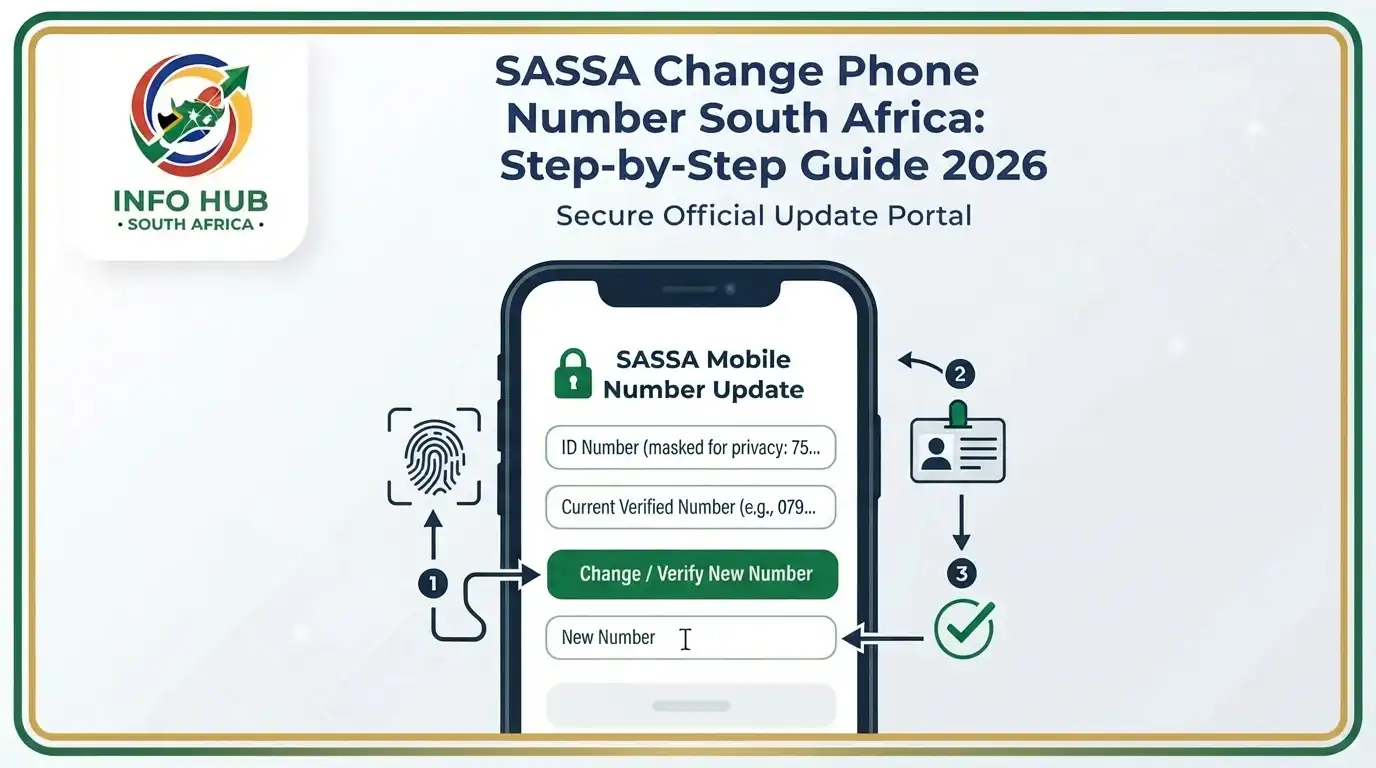
If you need to update the number linked to your SRD Grant application, you can use the official SASSA online service. The SASSA SRD change phone number process requires some identifying and payment information before you can submit the request.
Step 1: Open the Official SRD Website
Start by visiting the official SASSA SRD cellphone-number update page:
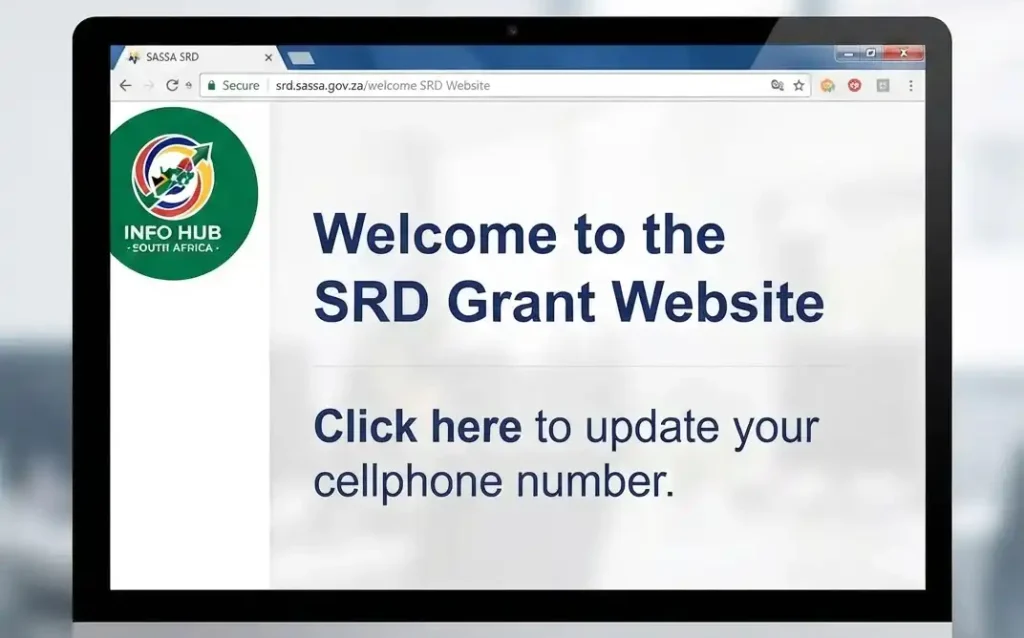
Use the official portal when completing a SASSA change phone number online request, particularly when entering your ID or banking information.
Step 2: Enter Your Details
On the update page, provide the information requested by SASSA. This includes:

Under the reason for changing your number, the available options include:
You will also need to select your current payment option. Depending on your selection, additional information may be requested:
Cash send: You may be asked to choose your bank from the available list.
Bank account: You may need to enter the last four digits of your bank account.
Finally, enter the new cellphone number you want to associate with your SRD application.
Step 3: Complete the Verification
SASSA uses verification and fraud-prevention measures when processing changes to beneficiary information. An OTP may be sent to your new cellphone number to confirm the request.
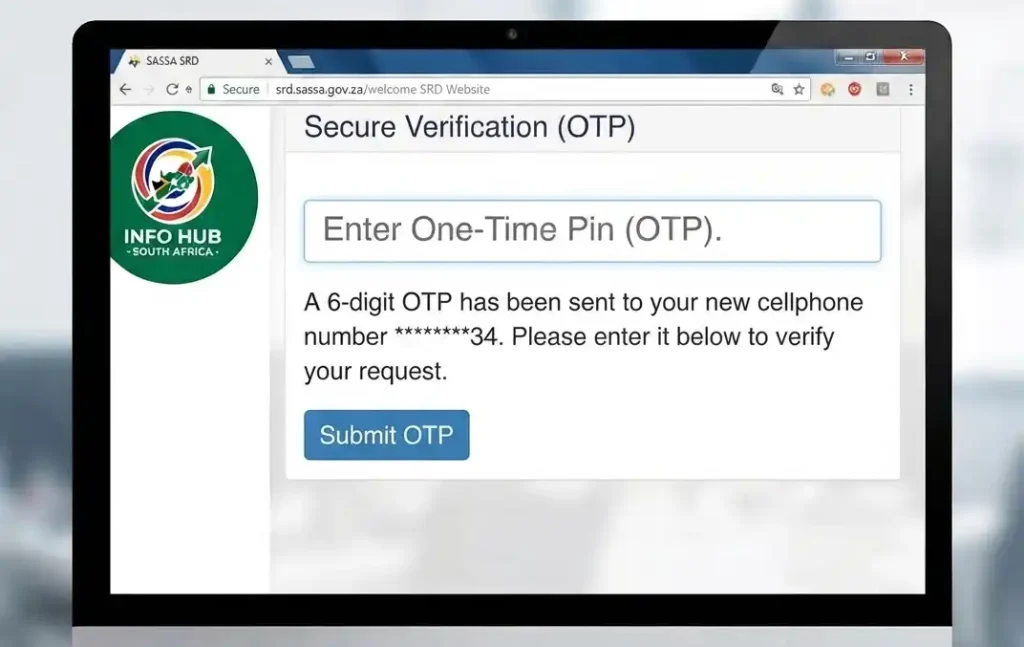
Before proceeding, make sure:
These checks are important because your cellphone number may also be used when accessing services connected with your SRD application.
Step 4: Wait for the Update to Be Processed
Once you have submitted the request, allow SASSA time to process the change. Keep your new number active and accessible in case further verification or communication is required.

After the update, your new cellphone number can be used for relevant SRD services, including SASSA status check requests, appeals and banking-related updates. If you were specifically searching for SASSA change phone number instructions, using the official online process is the safest starting point.
Can You Change Your SRD Email Address?
Some SRD applicants may have an email address associated with their application profile. While your registered cellphone number remains the main contact detail for many SRD-related processes, keeping your email information accurate can still be useful.
You may want to update your email address if:
Not every SRD applicant uses email as part of their application. However, where an email address is included, keeping it current can support communication and may be useful for account recovery.
If you are completing a SASSA change phone number online request, remember that updating your cellphone number and managing your email address may be separate parts of maintaining your SRD contact information. Keeping both details accurate can make it easier to manage your application and carry out a SASSA status check when required.
Important Things to Know Before Updating
Your Details
Before starting a SASSA change phone number online request, take a few precautions to protect your personal and banking information. Using the correct website and keeping your cellphone number active can help you avoid unnecessary problems.
Use Only Official SASSA Websites
When changing your SRD information, always use an official SASSA website. Be cautious of websites, messages, or individuals claiming to provide SRD services on behalf of SASSA.
If you are searching for SASSA SRD change phone number instructions, check that you are using the genuine SASSA service before entering any personal information.
Keep Your OTP Private
Never give your OTP to another person. You should also avoid sharing sensitive information through WhatsApp, Facebook, SMS, or unexpected phone calls.
Do not disclose:
Fraudsters may target SRD beneficiaries with messages or calls designed to obtain personal or financial information.
Keep Your SIM Card Active
Your cellphone number needs to remain accessible so you can receive important SASSA messages and verification codes. If your SIM has been blocked, lost, or recycled by your mobile network, you may miss communications linked to your SRD application.
For better account security:
Keeping your contact information current can also make it easier to manage your SRD application and perform a SASSA status check when required.
What Happens If You Lose Access to Your Old Number?
If the cellphone number linked to your SRD application is lost, inactive, or no longer available to you, it is best to update your details promptly. Having access to your registered number can be important for verification and communication with SASSA.
Without the old number, you may encounter difficulties with:
If you have lost your previous SIM or changed your number, the SASSA SRD change phone number process can help you request an update to your registered contact details. Depending on the circumstances, SASSA may carry out additional identity or fraud-prevention checks before the new number is accepted.
Once your new number has been successfully updated, keep it active and accessible so you can continue receiving relevant SRD communications and use services that require cellphone verification.
How Can I Contact SASSA?
If you need assistance with your SRD Grant application, contact details, payment concerns, or profile updates, you can contact SASSA through its official channels.
SASSA Toll-Free Number
0800 60 10 11
You can use the SASSA toll-free number to seek assistance with SRD-related questions and other social assistance matters.
Official SRD Website
For online SRD services, use the official SASSA SRD website:
If you are looking for information about SASSA change phone number, SASSA SRD change phone number, or a SASSA status check, always verify important details through the official SASSA website rather than relying on unofficial messages or third-party links.
Info Hub South Africa
Info Hub South Africa provides helpful guides explaining South African government services and online processes. Our articles are designed to make complicated procedures easier to understand, but official SASSA websites and contact channels should always be used when submitting personal information or making changes to your SRD application.
FAQs
Conclusion
Keeping your SRD cellphone number up to date is important, particularly if you have lost access to your previous number or changed your SIM card. Completing the SASSA SRD change phone number process through the official online service can help you maintain access to important verification, communication, appeal and payment-related services.
If you need to make a SASSA change phone number online request, check your details carefully before submitting the update and keep your new number active. You can also use the available SASSA online services when you need to carry out a SASSA status check or manage other aspects of your SRD application.
For more practical information about South African government services, Info Hub South Africa provides easy-to-follow guides to help you understand online procedures and access the right official services. Always confirm sensitive information through SASSA’s official channels before taking action.
Read More
PSIRA Online Booking 2026: Complete Guide to Booking Your Appointment in South Africa
WSU Student Portal Login 2026 South Africa: Complete Walter Sisulu University Guide
Matric Results 2026 Online Check South Africa: Get Your NSC Results Instantly
CUT Status Check South Africa 2026: Complete Application and Admission Guide
Sol Plaatje University Online Application 2026 South Africa: Complete Step-by-Step Application Guide
NSFAS Online Application 2026 South Africa: Complete Application Guide & Requirements