WSU Status Check 2026 – How to Track Your Application status in South Africa
A WSU status check lets you see the latest update on your Walter Sisulu University application. Instead of waiting for an email or SMS, you can complete a WSU application status check online to find out if your application is received, under review, provisionally accepted, accepted, or if more documents are needed.Visit Homepage for more:
Whether you’re searching for a WSU student portal status check, WSU check status, or status check WSU, this guide explains everything in simple steps. You’ll learn how to check your application status, understand what each status message means, and what to do if your application has been pending for a long time.
Before you start your Walter Sisulu University Status Check 2026, make sure you have already submitted your online application. If your application has not yet been captured by the university, your status may not appear immediately. Checking your status regularly helps you stay updated and respond quickly if WSU requests additional information.
What Is the WSU Status Check?
The status check is Walter Sisulu University’s official online system that allows applicants to track the progress of their university application. Whether you’ve recently applied or are waiting for a final decision, the WSU application status check lets you see where your application stands—from the moment it is received until an admission decision is made.
Using the Walter Sisulu University status check portal, you can view important updates such as whether your application is accepted, provisionally accepted, not accepted, or still in progress. The portal also displays your selected campus and programme details, helping you stay informed throughout the admission process.
One of the biggest benefits of the status check online is that you don’t need to visit a campus, call the admissions office, or wait for an email. Your WSU application status is updated as your application moves through each stage of the review process, giving you quick access to the latest information.
What You Need for a WSU Status Check
Before using the status check portal, make sure you have one of the following:
It’s a good idea to keep your application reference number in a safe place. It is the fastest and most reliable way to complete a status check and monitor your admission progress without contacting the university.
How to Do a WSU Status Check Online
Checking your WSU status online is quick and only takes a few minutes. The status check portal allows applicants to track their admission progress without creating an account or logging in with a password. All you need is your application reference number, South African ID number, or passport number (for international applicants).
Steps to Check Your WSU Application Status
Visit the official WSU status check portal.

Enter your application reference number or South African ID number.

Viewing the Result
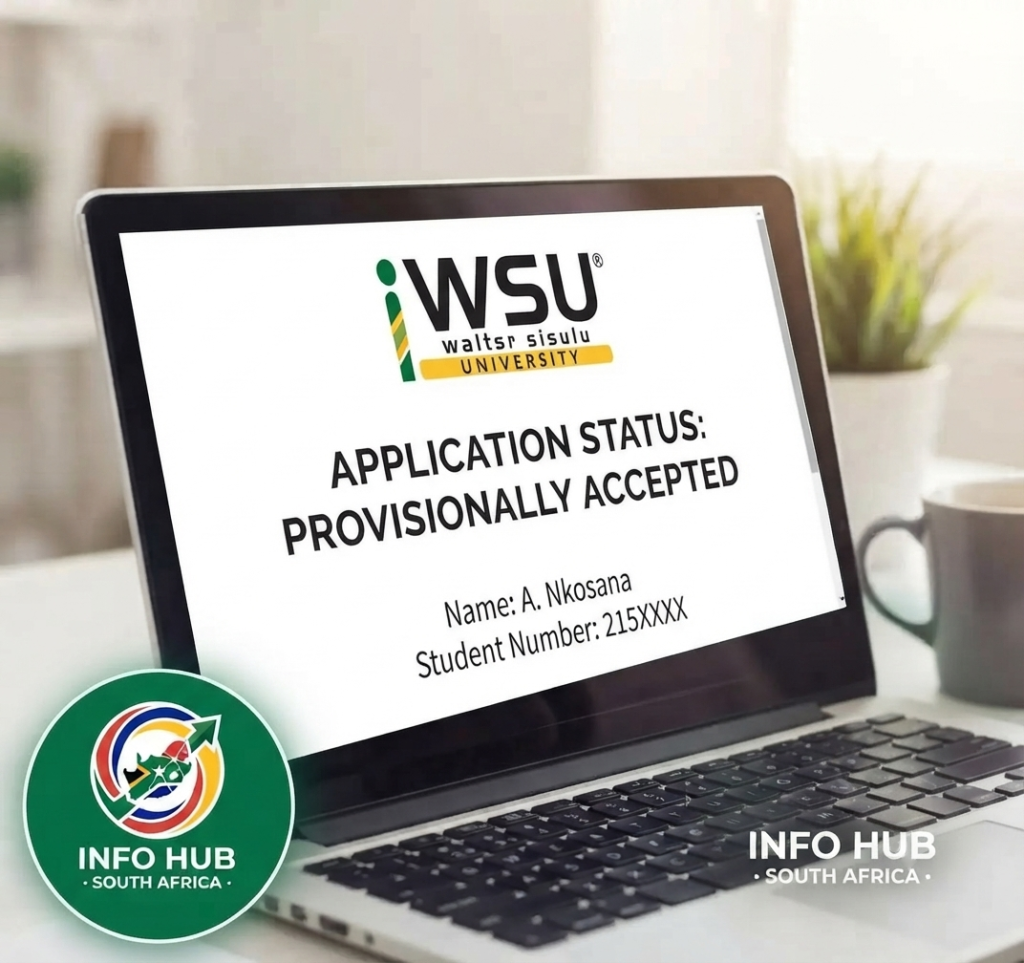
The Walter Sisulu University status check system does not require a username, password, or student account, making it one of the easiest ways to monitor your application.
WSU Status Check Not Working?
If your WSU application status check does not display any results, try these troubleshooting tips:
Best Time to Use the WSU Status Check Portal
The status check portal experiences the highest traffic between September and January, when applications and admission results are being processed. If the website is slow or times out, try checking your WSU application status early in the morning (before 9:00 AM) or in the evening (after 7:00 PM), when fewer applicants are using the system.
Every WSU Status Code Explained
After completing a status check, you’ll see a status that reflects the current stage of your application. Understanding what each WSU application status means can help you know whether you need to take action or simply wait for the next update. Here’s a detailed explanation of every common Walter Sisulu University status and what you should do next.
| WSU Status | What It Means | What You Should Do |
|---|---|---|
| Acknowledgement of WSU Application | Your application has been successfully received and added to the WSU admissions system. | No action is required. Wait while your application is processed. |
| Under Review / Processing | The admissions team is reviewing your academic results and supporting documents. | Continue checking your WSU status check every few days for updates. |
| Provisionally Accepted | You meet the current admission requirements based on your available academic results, but final acceptance depends on your NSC results. | Wait for your final matric results. Once available, WSU will update your application automatically. |
| Admitted | Your application has been fully approved, and your final results have been verified. | Proceed with registration through the WSU Student Portal. |
| Admitted – International | Your application as an international student has been approved. | Contact the WSU International Office to complete the remaining admission requirements. |
| RPL Admitted | You have been accepted through the Recognition of Prior Learning (RPL) process. | Complete your registration according to the university’s instructions. |
| Awaiting NSC Final Results | WSU is waiting to receive your official National Senior Certificate results before making a final decision. | No action is usually needed. Monitor your WSU application status for updates. |
| Not Admitted | Unfortunately, your application was not successful for the current intake. | Consider applying for another programme, submitting an appeal (if available), or reapplying during the next application cycle. |
| Programme Full | Your chosen programme has reached its maximum student capacity. | Contact the admissions office to explore alternative programmes with available space. |
| Documents Outstanding | Your application cannot be assessed because one or more required documents are missing. | Upload the outstanding documents as soon as possible to avoid delays. |
| Financial Block | Outstanding fees from previous studies are preventing further processing of your application. | Settle the outstanding balance before continuing with the admission process. |
| International Block | Your international application is incomplete due to missing or outstanding documentation. | Contact the International Office and submit the required documents promptly. |
What Does “Provisionally Accepted” Mean?
Many applicants become confused when their Walter Sisulu University Status Check shows Provisionally Accepted. This status is good news, but it is not your final admission offer.
A Provisionally Accepted status means Walter Sisulu University has reviewed your current academic performance—typically your Grade 11 results or Grade 12 mid-year results—and determined that you currently meet the entry requirements for your chosen programme.
Your admission will only become final after WSU receives and verifies your official National Senior Certificate (NSC) results from the Department of Basic Education (DBE). If your final results meet or exceed the programme requirements, your WSU application status will change to Admitted. If your marks fall below the required standard, your status may change to Not Admitted.
For this reason, continue checking your WSU status regularly until a final admission decision is displayed.
What Does “Documents Outstanding” Mean?
If your status check displays Documents Outstanding, your application is temporarily on hold because the university cannot continue assessing it without the required documents.
Log back into your WSU application portal and review which documents are missing. These may include certified copies of your ID, academic transcripts, examination results, or other supporting documents requested during the application process.
Upload the outstanding documents as soon as possible. Delays in submitting the required information can significantly extend the processing time and may even affect your chances of receiving an admission decision before registration closes.
WSU Status Check With ID Number
If you’ve misplaced your application reference number, you can still complete a Walter Sisulu University Status Check using your South African ID number. Walter Sisulu University allows local applicants to track their WSU application status with the same 13-digit ID number used during the application process, making it easy to check your admission progress even if you’ve lost your confirmation email.
How to Check Your WSU Status With an ID Number
Follow these simple steps to complete your Walter Sisulu University Status Check with ID number:
Using your ID number is one of the quickest ways to perform a Walter Sisulu University status check, especially if you no longer have your application reference number.
WSU Status Check for International Applicants
International applicants cannot use a South African ID number for the Walter Sisulu University Status Check. Instead, they should enter the passport number used when submitting their application.
If the system cannot find your application, make sure you are entering your passport number exactly as it was provided during the application process. If you originally included spaces or dashes, try entering the number again without any formatting, as this often resolves search issues.
Tip: If your WSU application status check still returns no results, verify that your application has been successfully submitted and allow up to 24–48 hours for new applications to appear in the system before trying again.
What to Do After Your WSU Status Check
Completing a status check is only the first step. Once you know your WSU application status, it’s important to take the right action so your admission process continues without unnecessary delays. Here’s what each status means for your next steps.
If Your WSU Status Is Admitted
Congratulations! An Admitted status means Walter Sisulu University has approved your application, and you’re eligible to register.
Your next steps are:
Registering as early as possible is recommended, as popular programmes and modules may fill up quickly.
If Your WSU Status Is Provisionally Accepted
A Provisionally Accepted status means you currently meet the admission requirements based on your available academic results, but your final offer depends on your official NSC results.
Here’s what you should do:
If your final results satisfy the programme requirements, your WSU application status should automatically change to Admitted. If there is no update within two weeks after the results are released, contact your campus admissions office with your application reference number.
If Your WSU Status Is Awaiting NSC Final Results
This status usually appears for applicants who applied while they were still in Grade 12.
Since WSU is waiting to verify your official matric results, there is normally no immediate action required. Simply continue monitoring your WSU application status after the Department of Basic Education releases the final results.
If Your WSU Status Is Not Admitted
Although receiving a Not Admitted status can be disappointing, you may still have options.
You can:
Before submitting another application, it’s helpful to understand why your current application was unsuccessful.
If Your WSU Status Is Documents Outstanding
A Documents Outstanding status means your application cannot move forward until all required documents have been received and verified.
To avoid delays:
Submitting poor-quality or uncertified documents may result in further delays.
If Your WSU Status Is Programme Full
If your chosen programme has reached its maximum capacity, don’t lose hope.
You should:
Taking action quickly can improve your chances of securing a place if vacancies become available later in the admission process.
WSU Status Check: Application Status vs Registration Status
Many applicants assume that application status and registration status are the same, but they refer to two different stages of the admission process. Understanding the difference will help you know which portal to use and what action to take after completing your Walter Sisulu University Status Check.
The status check portal is used to track your application status. It shows whether your application has been received, is being reviewed, has been provisionally accepted, admitted, or declined. This is the portal you should use before you become an official WSU student.
Once your WSU application status changes to Admitted and you begin registering for your modules, you’ll use the WSU Student Portal (iEnabler) instead. The status messages shown there relate to your registration, not your admission application.
WSU Registration Statuses Explained
| Registration Status | What It Means | What You Should Do |
|---|---|---|
| Registration Complete | Your registration has been successfully finalised for the academic year. | No further action is required unless instructed by the university. |
| Registration Restrictions | A restriction is preventing you from completing your registration. | Review the restriction details in the student portal and follow the instructions provided. |
| Financial Block | Outstanding fees or financial obligations are preventing registration. | Contact Student Finance and settle any outstanding balance before registering. |
| Academic Exclusion | You do not currently meet the academic progression requirements. | Contact your faculty or academic advisor to discuss your options. |
| Subject Blocked | You cannot register for a specific module because prerequisite requirements have not been met. | Speak with your faculty or department to confirm your eligibility or discuss alternative modules. |
Which WSU Status Should You Check?
Use the correct system depending on where you are in the admission process:
Knowing the difference between an application status and a registration status can save time and prevent confusion. If you’ve already been admitted, don’t continue checking the WSU application status portal for registration updates—those will only appear in the student portal after your admission has been confirmed.
How Long Does the WSU Status Check Take to Update?
One of the most common questions applicants ask is how long the Walter Sisulu University Status Check takes to update. The answer depends on the stage your application has reached.
Typical WSU Status Update Times
If your WSU application status has not changed for more than four weeks and you have already submitted all the required documents, contact your campus admissions office directly. Admissions teams can manually investigate applications that appear to be delayed, so it is better to follow up rather than wait indefinitely.
Common WSU Status Check Problems and Fixes
If you encounter an issue while using the status check, don’t panic. Most problems have simple solutions and can be resolved by checking your details or waiting for the system to update.
Status Not Found When Entering ID Number
If the status check cannot find your application using your ID number:
Status Has Not Changed for Weeks
If your WSU application status has remained the same for more than four weeks:
WSU Status Check Portal Not Loading
If the Walter Sisulu University Status Check portal is slow or not loading:
Different Statuses for Two Applications
If you applied for two different programmes and each shows a different status:
Status Shows Admitted but No Student Number
If your WSU application status shows Admitted, but you have not received your student number:
WSU Status Check Contact Details
If the status check portal does not resolve your query, you can contact the admissions office at your chosen campus.
| Campus | Phone | |
|---|---|---|
| Mthatha | [email protected] | 047 502 2100 |
| Butterworth | [email protected] | 047 401 6000 |
| Buffalo City | [email protected] | 043 702 9200 |
| Komani | [email protected] | 040 842 6806 |
WhatsApp Support
| Service | Contact |
|---|---|
| Registration Queries Only | 079 378 3102 |
WSU Quick Links
| Portal | Link |
|---|---|
| WSU Status Check | status.wsu.ac.za/status/statuscheck.php |
| WSU Student Portal | ienabler.wsu.ac.za/pls/prodi41/w99pkg.mi_login |
| WSU PIN Recovery | status.wsu.ac.za/reset/index.php |
| WSU Main Website | wsu.ac.za |
FAQs
Conclusion
The WSU status check makes it easy to track your application, but understanding what each WSU application status means is just as important. Knowing the correct next step can help you avoid unnecessary delays and keep your admission process moving smoothly.
Check your WSU status regularly throughout the application period. If your status appears unchanged for an extended period or you encounter an issue that the portal cannot explain, contact your campus admissions office with your application reference number for assistance.
Read More
DUT Student Portal: Login, Registration, Results & Application Guide 2026
WSU Status Check 2026 – How to Track Your Application status in South Africa
SASSA Status Check 2026: SASSA Status Check for R370 & SRD Status Online
UNISA Status Check South Africa: How to Check Your Application Status Online
CAO Status Check 2026: Check Your Application Status in South Africa
TUT Status Check 2026/2027: How to Check Your Application Status Online